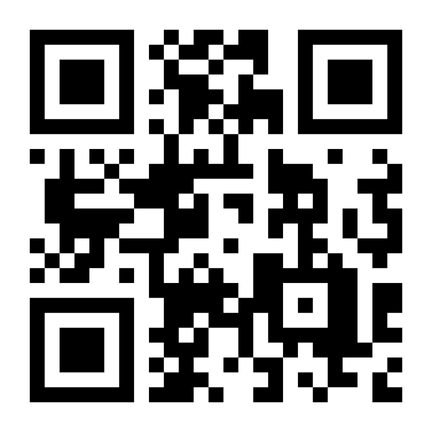
- Visit the DAAR website or scan the QR code below!
- Press the Menu button at the top right of the screen and select “Getting Started with DAAR” under the Accommodation Information for DAAR Students dropdown menu.
- Select the “Disability Access and Resources Registration Form” link, which is accessed through our secure Accommodate online software. Be sure to complete ALL required fields and press Submit when finished.
- If you have disability documentation you can provide today, attach a copy of the file(s).
- If you do not have or are not comfortable attaching documentation online, please do one of the following as soon as possible:
- Email attachments to disAbility@umbc.edu
- Send to the DAAR Office
Students will be contacted for an intake appointment with a disability specialist within two weeks of completing the request, including documentation.
Students with disabilities are not required to register with DAAR unless they wish to utilize accommodations. Please note that the faculty is only expected to provide academic accommodations with prior notification from DAAR.
If you experience difficulties or have any questions, please feel free to contact us at 410-455-2459 or email disAbility@umbc.edu